



Customers & Leads
Keep every customer and lead in one place.
- Leads and customers
- Groups and tags
- Customer history
Team Management
Bring your sales, support, and marketing teams together. Assign responsibilities, control access, and stay on top of daily work - all from one place.

Team invitations
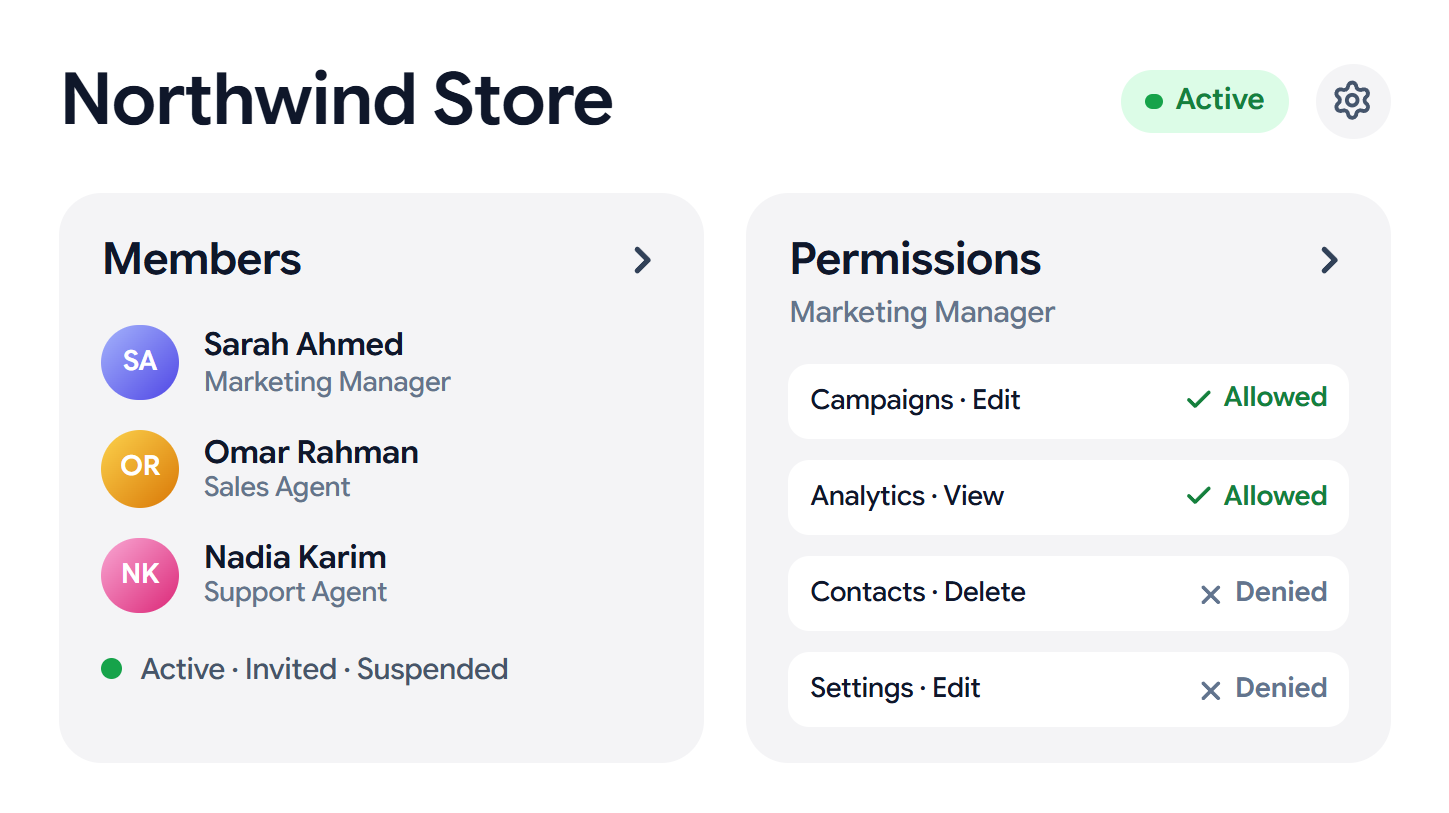
Invite the people you work with, assign their roles, and manage their access from one shared workspace.
Roles & permissions
Give employees access to the tools they need while keeping sensitive business settings and information under your control.
System roles
Marketing Manager
What this role can do in each module
| Resource | View | Create | Edit | Delete |
|---|---|---|---|---|
| Campaigns | ||||
| Conversations | Conversations, Edit, not available for this resource | Conversations, Delete, not available for this resource | ||
| Contacts | ||||
| Analytics | Analytics, Create, not available for this resource | Analytics, Edit, not available for this resource | Analytics, Delete, not available for this resource | |
| Settings | Settings, Create, not available for this resource | Settings, Delete, not available for this resource |
81 granted+1 unsaved38 denied119 permissions across every module
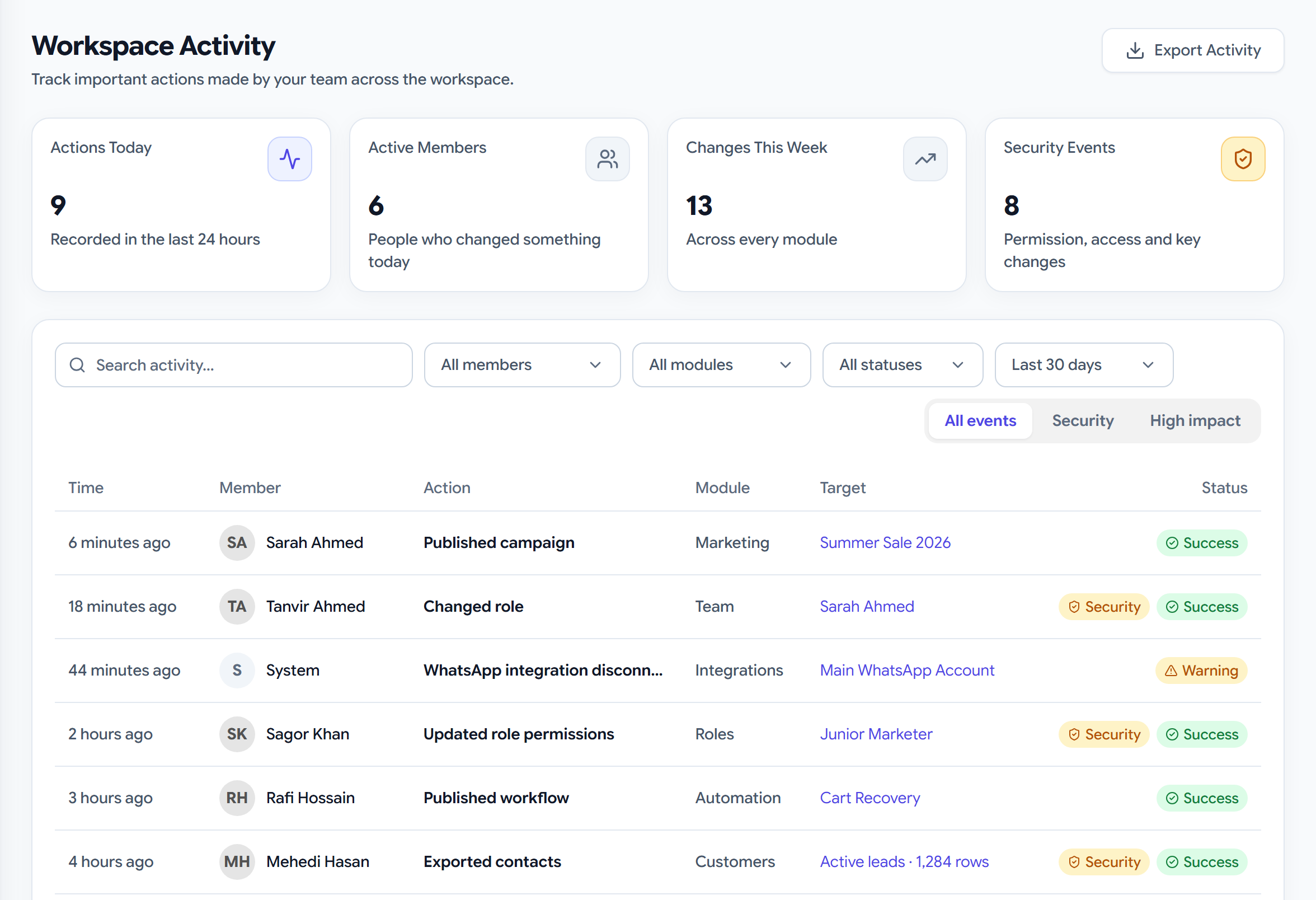
Workspace activity
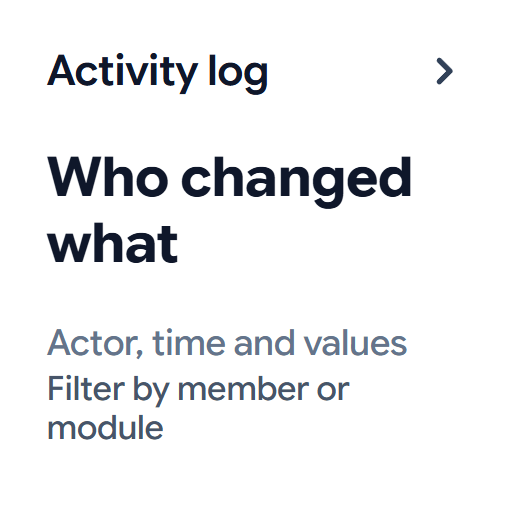
See important actions across your workspace, from team updates to customer and campaign activity.
Know who made changes
Review important actions
Keep a clear activity history
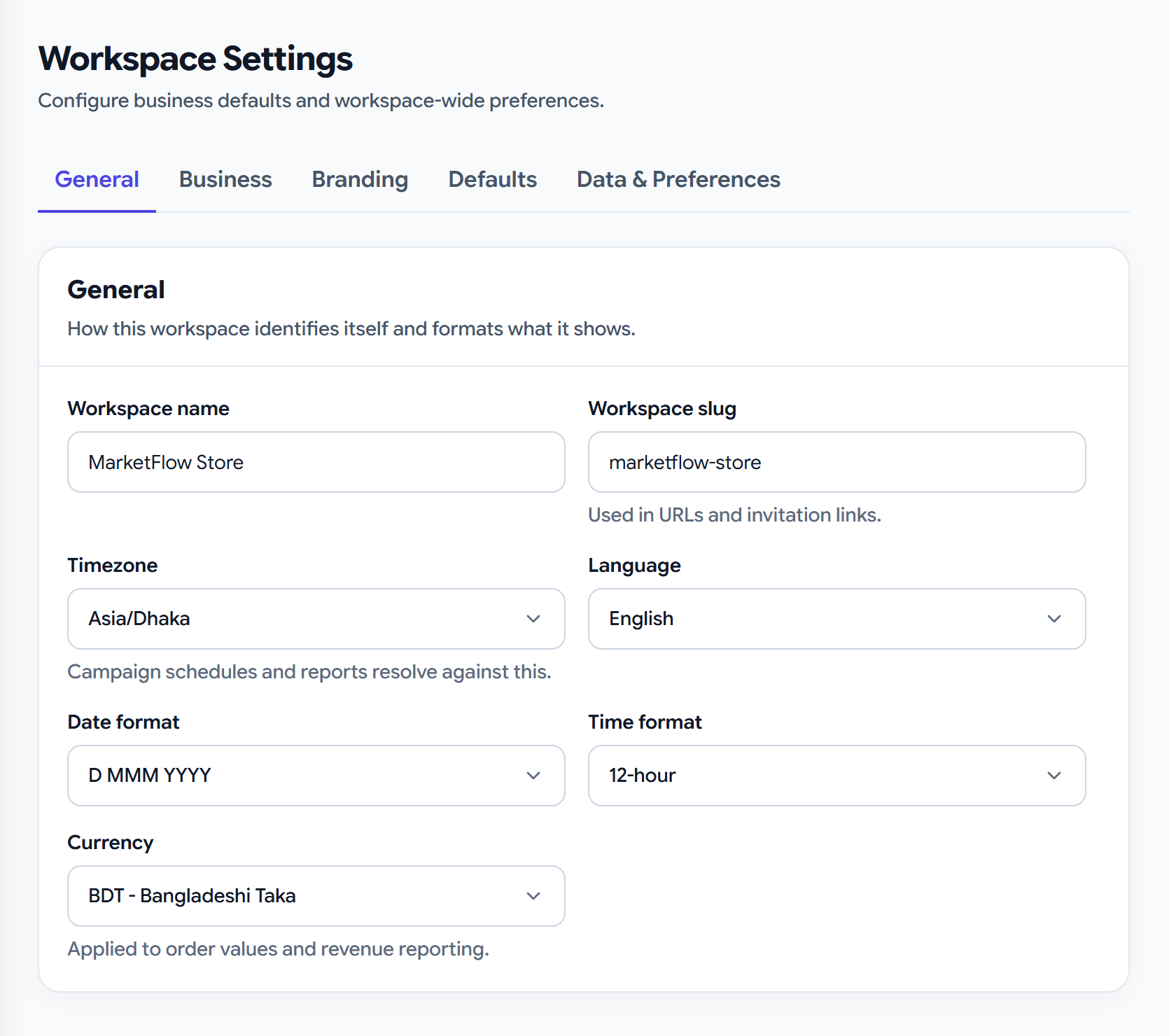
Workspace settings
Keep your workspace information, preferences, and access settings organized in one place.
Connected modules
Keep every customer and lead in one place.
Answer messages from every channel in one inbox.
Send and track campaigns on WhatsApp, Email and SMS.
Send automatic WhatsApp replies and follow-ups.
Why choose us
Stop juggling apps, spreadsheets and reminders. Use one workspace that turns chats into customers, so you can grow faster with less work.
Answer WhatsApp, SMS and Messenger chats from one place
Set up automatic follow-ups and messages, no coding needed
Keep leads, customers, groups and history in one place
See your chats, campaigns and sales as they happen
Sell products, services or digital goods
Your data stays in your workspace, and you decide who sees what
Ready to start?
Bring your chats, campaigns, automation, products and sales together in one place


